Frontline | Worry-Free IT
Network security guidance for Los Angeles small businesses
Most small businesses in Los Angeles are running a firewall that was never designed to protect a business network. Either it’s the router the internet provider left behind, or it’s a dedicated device that stopped receiving security updates years ago. Either way, the exposure is real, and the consequences of a breach tend to show up at the worst possible time.
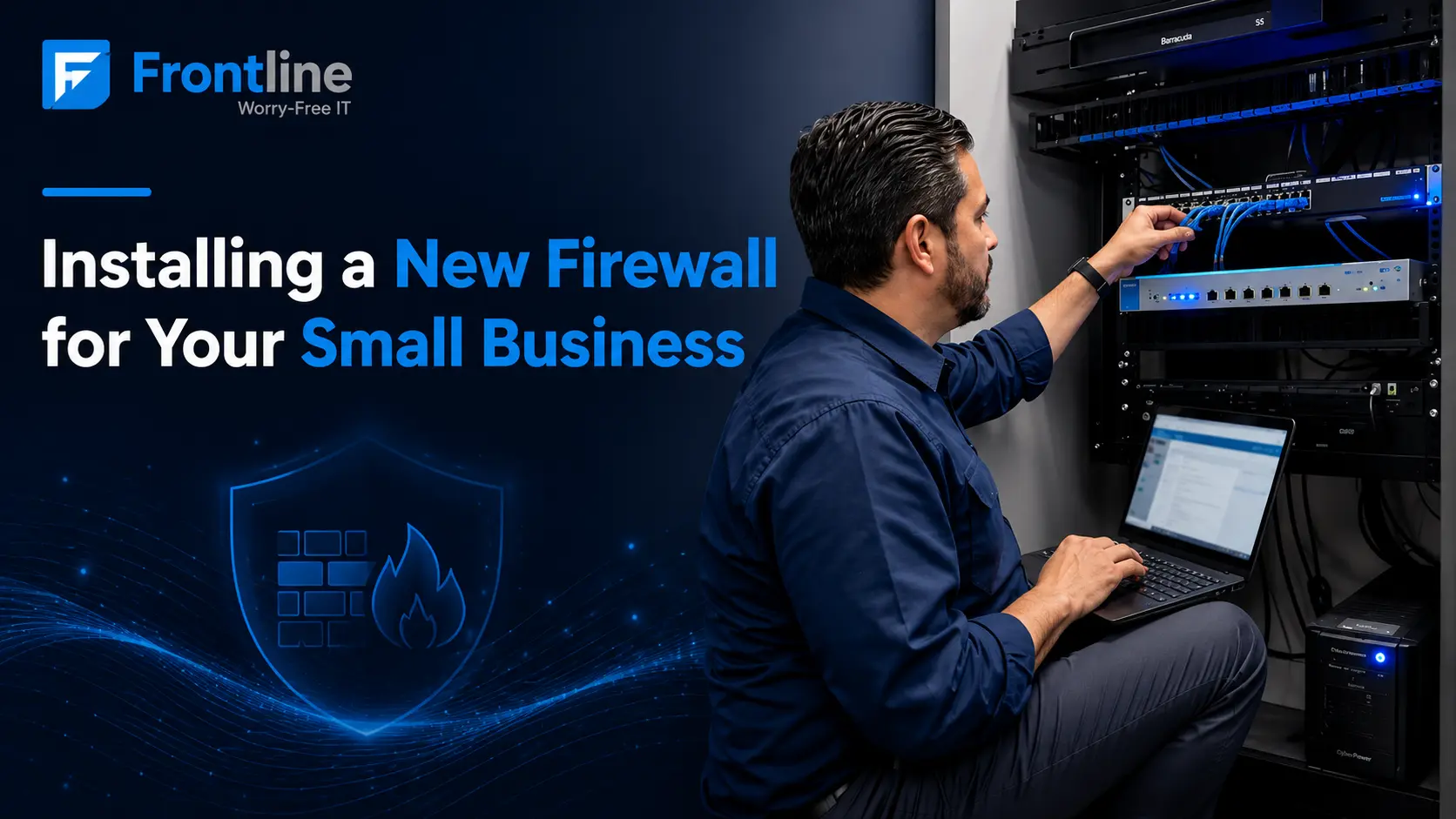
Getting a proper firewall in place is one of the more straightforward investments a small business can make, but the installation itself involves more than swapping out hardware. Done right, it means reviewing your current setup, understanding what your network actually needs, and making sure everything is configured to work the way your business operates.
This guide covers what that process looks like, what to watch for, and how to make sure it gets done properly.
What a Business Firewall Really Does
A firewall sits between your office network and the internet, inspecting traffic in both directions and blocking anything that doesn’t meet your security rules. A consumer-grade router handles a basic version of this, but a purpose-built business firewall covers significantly more ground.
A properly configured business firewall can filter malicious traffic, block intrusion attempts, support secure remote access, and give your business visibility into network activity.
The category most businesses end up choosing today is the next-generation firewall. Unlike older models that only worked with ports and IP addresses, these devices understand applications and user behavior.
An older firewall might allow a connection simply because it comes through a standard port, while a next-generation firewall can identify what the traffic actually is and make a more informed decision about whether to allow it.
Signs It’s Time for a New Firewall
01
You are still relying on the router your internet provider installed, with no dedicated firewall in place.
02
Your firewall is more than five years old or no longer receives firmware updates.
03
Your security license has lapsed, meaning current threat updates are no longer active.
04
Remote staff need reliable, secure access to office systems.
05
You handle client, financial, or healthcare data and need stronger compliance or cyber-insurance readiness.
If your IT relationship changes at the same time, it’s also worth knowing what happens to your data if your IT provider leaves and who still has access to your systems.
From the field
In the past two years, our team has deployed and replaced firewalls across dozens of LA sites: single-office upgrades that swapped an end-of-life unit for a current FortiGate, and multi-location rollouts for organizations that had no firewall in place at all.
What a Firewall Installation Actually Involves
A firewall installation done properly is a short, well-defined IT project with a clear sequence of steps.
1
Assessment
We review your internet connection, network layout, number of users, and how your team works, whether that’s fully in-office, remote, or a mix of both.
2
Right-Size the Hardware
A 10-person office and a 75-person operation have very different requirements, and the firewall needs to match your actual traffic volume and growth plans.
3
Configuration
Security policies, content filtering, remote-access VPN, network segmentation, and threat protection all get set up to fit how your business operates, and configured to work alongside our Network Support Services.
4
After-Hours Cutover
The switch is typically done after hours to keep disruption to a minimum, so your team arrives the next morning on infrastructure that’s already running and protected.
5
Network Alignment
The firewall works alongside the rest of your network infrastructure, including how your office network switch is configured, so both need to be set up with the same security policies in mind.
6
Wireless Security
The same applies to your wireless layer. A poorly configured business wireless access point can expose gaps that a properly set up firewall is designed to close.
7
Documentation and Maintenance
We document the full setup so nothing lives only in someone’s head. For managed clients, we keep the firewall monitored, licensed, and updated on a continuing basis.
Buy a Box, or Get a Managed Firewall?
There are two ways to approach a firewall installation. The first is a one-time purchase and setup: you buy the hardware, we install and configure it, and from there it’s yours to maintain.
The second option is a managed firewall that’s delivered as part of our Network Support Services. Licensing stays current, firmware gets patched on schedule, security policies get adjusted as your business changes, and someone is actively monitoring for issues.
For most small businesses without a dedicated IT team, ongoing management is what turns a security device into actual, functioning security.
Both options start with the same foundation: hardware that fits your environment and a configuration built around how your business operates, supported by proactive network support, monitoring, and regular maintenance.
Firewall FAQs for Small Businesses
Which firewall is best for a small business?
There’s no single best model. The right firewall depends on your number of users, locations, internet speed, and whether staff work remotely.
How much does a firewall cost for a small business?
Cost has two parts: the hardware and the ongoing security licensing. A small-office firewall typically runs a few hundred to a couple thousand dollars for the device, plus an annual subscription for threat updates and support.
Isn’t the firewall in my router enough?
For a home, often yes. For a business with employees, client data, and remote workers, no. Provider routers offer minimal filtering, rarely get security updates, and give you no visibility or control.
How long does a firewall installation take?
For a single location, the hands-on work is usually completed within a day, with the cutover scheduled after hours. Multi-site rollouts are staged location by location.
Not sure your firewall is protecting you?
Get a clear answer from a local IT team.
Frontline helps Los Angeles businesses build secure, reliable networks. We’ll review your current setup and tell you exactly where things stand.
FT
About the author