
Frontline | Worry-Free IT
Network infrastructure guidance for Los Angeles small businesses
Most small businesses in Los Angeles don’t give their network switch a second thought until something stops working. A team can’t reach the shared server. Phones start dropping. The new hires in the back office have nowhere to plug in. By that point, the switch has usually been underperforming for a while; it just wasn’t visible until it became a problem.
If your business is growing, moving to a new office, or running on a mix of mismatched hardware collected over the years, a switch upgrade is one of the more practical network projects you can do. This guide covers what a network switch actually does, the decisions that matter when choosing one, and what a proper installation involves.
What a Network Switch Does
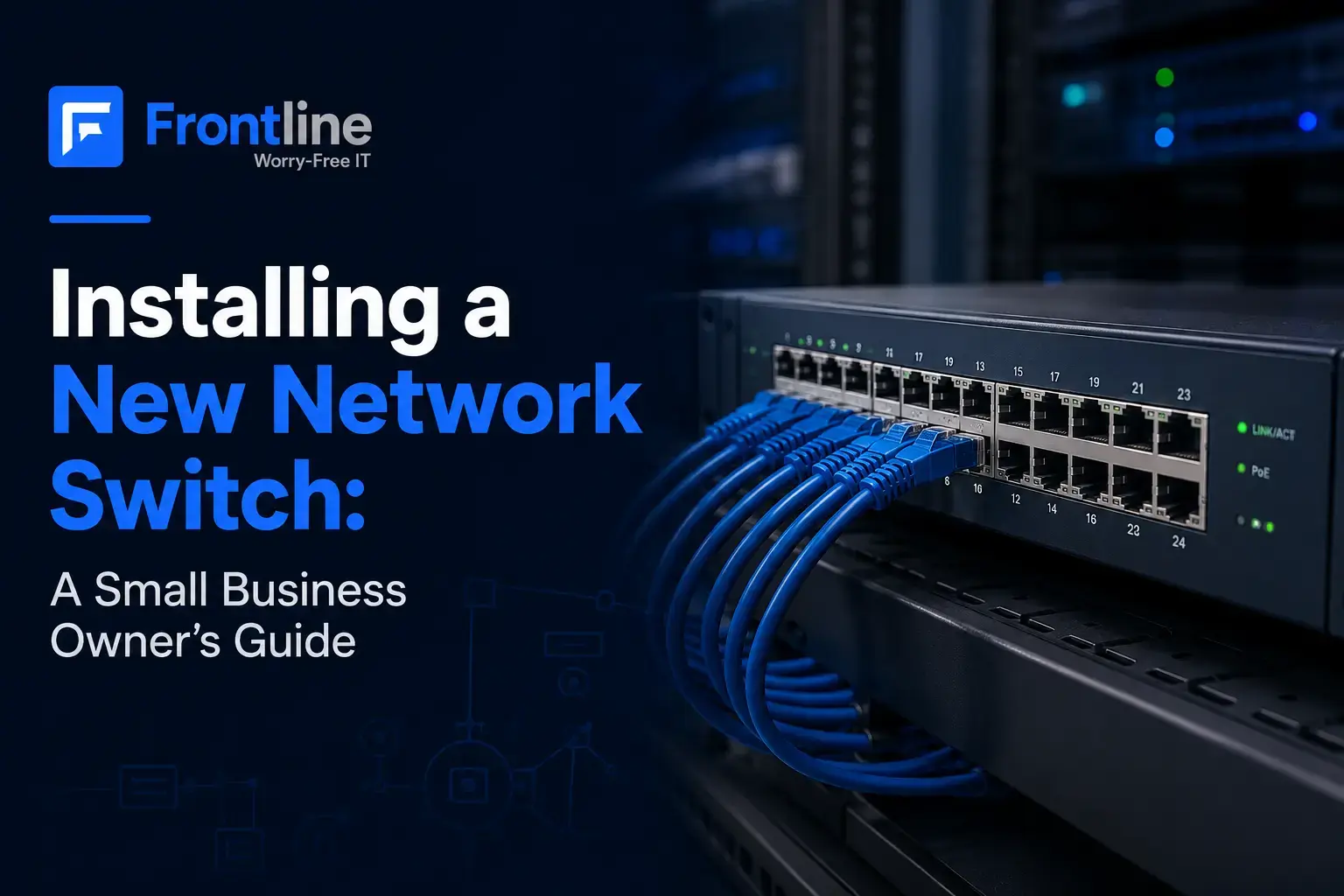
A network switch is the device that connects everything in your office over wired Ethernet: computers, servers, printers, IP phones, security cameras, and the wireless access points your staff connects to throughout the day. Your router handles the connection to the internet. The switch handles everything inside the building, moving traffic between devices quickly and reliably.
Wireless gets most of the attention, but nearly every access point, camera, and desk phone still runs through a switch. Properly installing wireless access points is just as important as choosing the right network switch, since access point placement and configuration directly affect Wi-Fi coverage, capacity, and overall network performance.
When the switch is outdated, undersized, or unmanaged, everything downstream feels it: slow file transfers, choppy calls, cameras that drop offline, and connectivity issues that are frustrating to diagnose. A solid switch is what makes the rest of the network work.
Managed vs. Unmanaged: The Decision That Matters Most
The first real choice is between a managed and an unmanaged switch. An unmanaged switch is plug-and-play: it moves traffic with no configuration and no controls. For a very small setup with a handful of devices, that’s sometimes enough.
A managed switch is configurable. You can segment traffic into separate lanes using VLANs, prioritize voice or video, monitor performance remotely, and troubleshoot issues down to a specific port.
For a business with employees, multiple device types, and any kind of growth plans, a managed switch is the right call.
The ability to separate guest WiFi, security cameras, voice traffic, and staff devices onto their own lanes is also a meaningful part of a broader network security posture: it limits what can reach what, which reduces exposure if something on the network is compromised.
PoE, Port Count, and Speed
Beyond managed versus unmanaged, three practical specs shape the right choice for your environment.
01
Power over Ethernet
PoE delivers both power and data over a single cable. If you’re running wireless access points, IP phones, or security cameras, PoE is what makes a clean installation possible.
02
Port Count
Count every wired device in the office, add your access points and cameras, and then leave room to grow. Most small offices land on a 24-port switch; larger sites often move to 48 ports.
03
Speed
Gigabit is the baseline for business use today. If your team moves large files regularly, the uplinks between your switch and server may need to be faster.
From the field
A recurring project for our team is replacing a tangle of consumer-grade and mismatched switches with a clean, managed, PoE backbone. We’ve done this as part of full network refreshes and office buildouts across Los Angeles, often pairing new switches with wireless access points in the same visit so voice, WiFi, and cameras all come up on properly segmented infrastructure.
What a Switch Installation Actually Involves
A switch installation, done properly, follows a clear sequence. Here is how we approach it.
1
Assessment
The first step is a network assessment. We count every device on the network, map the existing cabling and rack layout, and identify what’s failing, unsupported, or simply undersized.
2
Right-Size the Hardware
We select managed switches with the right port count, PoE budget, and speed for current needs plus realistic growth over the next few years.
3
Configuration
VLANs, network segmentation, and monitoring are set up and tested before anything is physically swapped out. This is also where the switch gets integrated with our Network Support Services, so monitoring, alerts, and remote access are working from day one.
4
Firewall Alignment
That segmentation only works as intended when it’s aligned with what your business firewall is enforcing at the network perimeter.
5
After-Hours Cutover
The cutover is scheduled to minimize disruption, typically after hours. Every connection gets labeled, the rack gets tidied, and the team arrives the next morning to a network that’s already running.
6
Documentation and Monitoring
We document the full setup so the configuration is never locked inside one person’s head. For managed clients, we keep an eye on the switch going forward so issues get caught before they affect the business.
Buy a Switch, or Include It in a Managed Network?
Some businesses purchase a switch as a standalone upgrade and manage it from there. That works if you have internal IT resources to handle firmware updates, monitor performance, and make configuration changes as the network evolves.
For businesses without a dedicated IT team, rolling the switch into our managed network support services means the hardware stays current, issues get flagged before they cause downtime, and configuration changes get handled as the business changes.
Conclusion
A network switch is not a glamorous purchase, but it is a foundational one. When it’s right for your environment: properly sized, correctly configured, and actively monitored, it’s the kind of infrastructure you genuinely stop thinking about.
If your current setup is a mix of aging hardware, unlabeled cables, and switches that predate your current team, it’s worth having someone take a look before the next outage makes the decision for you.
FAQs
What is a managed network switch?
A managed switch is one you can configure, monitor, and control. It lets you segment traffic, prioritize voice or video, monitor performance remotely, and troubleshoot issues down to a single port.
What is an unmanaged network switch?
An unmanaged switch is a plug-and-play device that connects wired devices with no configuration or controls. It works for very small setups, but gives you no visibility, segmentation, or monitoring capability.
Do I need a PoE switch?
If you’re running wireless access points, IP phones, or security cameras, yes. PoE powers those devices over the network cable, which removes the need for a nearby outlet at every location.
How many ports does my switch need?
Count every wired device, add your access points and cameras, and leave headroom for growth. Most small offices land on a 24-port switch. Larger or camera-heavy environments often move to 48 ports.
How does a switch relate to network security?
A managed switch lets you segment your network so that staff devices, guest WiFi, cameras, and voice traffic stay on separate lanes. That limits how far a problem can spread if something is compromised.
Need help with your office network?
Get a clear answer from a local IT team.
Frontline has been building and refreshing networks for Los Angeles businesses for more than 15 years. If you’re not sure what you’re working with, we’ll assess your current setup and tell you exactly where things stand.
Frontline · Managed IT & Support Across Greater Los Angeles · (310) 400-6996
FT
About the author