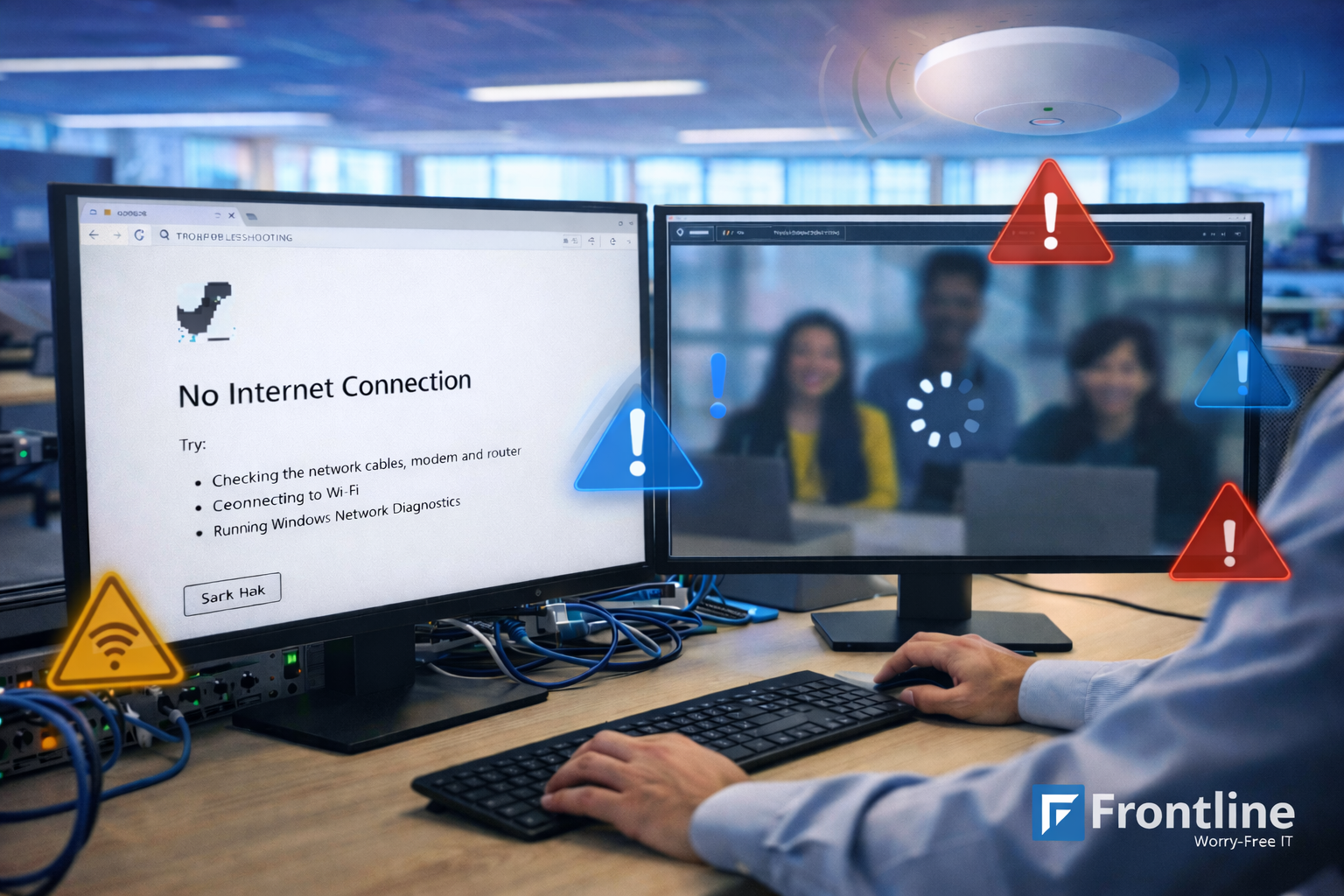

Downtime can feel like an IT annoyance, but for most businesses it shows up as lost work: sales on hold, customers waiting, and teams stuck in “can you hear me now?”
Most downtime comes from small issues that build up: unstable connections, aging gear, and “temporary” fixes (move closer to the access point, change rooms, use a hotspot for the day…) that never get cleaned up. But if you catch those early and keep the basics consistent, downtime stops being a constant issue.
This guide covers the main causes of network downtime, practical ways to reduce it, and how Frontline’s network support helps keep outages and disruptions under control.
What Is Network Downtime?
Network downtime is any period when your network is unavailable or unreliable enough that systems can’t communicate the way they should.
Sometimes it’s obvious (a full outage), and sometimes not so much: random disconnects, unstable Wi‑Fi, or performance so slow that work effectively stops.
Common signs look like this:
- You can’t access shared drives or cloud apps reliably, or they time out randomly.
- Phone calls drop, sound choppy, or don’t connect.
- Wi‑Fi disconnects, dead zones pop up, or devices keep rejoining the network.
- Remote access/VPN keeps failing or won’t stay connected.
- “Everything works sometimes,” which wastes hours because the problem disappears the moment you try to reproduce it.
Why Downtime Causes Business Losses
Network downtime creates losses in a few predictable instances, and most of them don’t show up neatly on an IT ticket.
When people can’t access tools, can’t call customers, or can’t move work forward, productivity drops fast and managers lose time coordinating workarounds.
Revenue can take a hit too: missed orders, delayed proposals, failed payment processing, support lines that don’t respond, and appointments that have to be rescheduled.
Even when the outage is “fixed,” there are recovery costs like emergency IT time, rushed hardware replacements, and quick changes that create follow-on issues later.
And if customers feel the disruption, reputation takes the hit: most people don’t care why you were down, they remember the experience.
To put the stakes in perspective, Uptime Institute reports that 54% of respondents said their most recent significant, serious, or severe outage cost more than $100,000, and 16% said it cost more than $1 million.
Planned vs Unplanned Downtime
Planned downtime is scheduled: maintenance windows, upgrades, ISP changes, and configuration updates that you expect and can communicate.
Unplanned downtime is what comes with consequences: failures, misconfigurations, security incidents, sudden provider issues, and aging hardware that gives out at the worst time.
With good operations, you’ll be able to reduce both unplanned downtime and the impact of planned downtime by choosing better timing, preparing rollback options, and keeping communication clear.
Common Causes of Network Downtime
A lot of downtime comes from a few repeat patterns, and most of them are fixable once they’re visible.
- Hardware and aging equipment: routers, switches, and access points fail; devices overheat; power supplies degrade; end‑of‑life gear becomes unpredictable.
- Configuration issues and change mistakes: a “small change” cascades, and there’s no documentation to quickly undo it.
- ISP/provider problems: upstream outages, last‑mile issues, and no redundancy when the provider has a bad day.
- Wi‑Fi design gaps: coverage holes, interference, too many devices on consumer-grade setups, and not enough capacity where people actually work.
- Security incidents: malware/ransomware and other attacks that disrupt systems, force shutdowns, or require containment.
- Power events/environment: electrical issues, storms, construction, and accidental cable damage that takes everything down at once.
The Downtime Prevention Checklist
Downtime prevention isn’t necessarily a single product, it’s a short checklist of habits that make the network more predictable, make issues easier to spot early, and make outages less disruptive when they do happen.
The scenarios below are written for SMB reality, where the network still has to work even when IT time is limited.

Downtime situations SMBs run into
- Proactive monitoring and alerting: Detect performance issues and unstable connections early, before users start reporting “it’s slow again.”
- Routine maintenance: Keep firmware and software updated, review configurations, and clean up “temporary fixes” that quietly become permanent.
- Lifecycle planning: Replace aging components before failure, and keep spares for critical gear so a single failed device doesn’t become a multi-day outage.
- Reliable network design: Right-size capacity, segment networks appropriately, and plan business-grade Wi‑Fi coverage around how the office actually works. Properly deployed wireless access points for business help eliminate dead zones, distribute network traffic more efficiently, and provide consistent connectivity for employees.
- Documentation and standards: Maintain consistent configurations, label equipment, and document changes so troubleshooting isn’t guesswork.
- Security hygiene that prevents disruption: Limit access, use strong protection, reduce attack surface, and monitor for suspicious activity that can trigger outages.
- Backup connectivity and failover: For critical locations, a secondary ISP or cellular failover can keep key operations running during a provider outage.
- Change management basics: Schedule changes, test when possible, and keep a rollback plan so a “quick update” doesn’t take the business offline.
How Frontline Offers a More Reliable Network
Frontline’s network support lines up with the same prevention checklist above, but handled as ongoing work instead of a once-a-year cleanup project.
The goal is simple: fewer interruptions, faster recovery when problems happen, and fewer repeat issues.
1. Proactive network monitoring and maintenance
Frontline monitors business networks 24/7 with remote monitoring tools and automated alerts, so performance issues and unstable connections get noticed early.
That proactive maintenance approach helps in preventing network problems before they occur and reduces the surprise outages that stop employees from working.
2. Fast network troubleshooting when issues occur
When something breaks, the priority is getting people back to work quickly. Frontline handles network troubleshooting for problems like connectivity issues, slow performance, hardware failures, and software glitches to reduce downtime and disruption.
They also call out response time as critical and say urgent issues are addressed promptly (often within minutes) to minimize downtime.
3. Prevention of recurring network problems
Fixing one outage is good; stopping the same outage from repeating is better. Frontline combines ongoing monitoring and maintenance with network design and implementation work, which supports longer-term improvements instead of relying on temporary patches.
4. Improved network reliability and performance
A stable network affects uptime and day-to-day performance. Frontline highlights benefits like improved network reliability (to reduce downtime) and a faster network, which matters for calls, video meetings, cloud apps, and multi-site teams trying to stay connected.
5. Reduced downtime risk from security threats
Security problems don’t always show up as a data breach headline, sometimes they show up as outages and operational disruption.
Frontline includes IT network security focused on protecting against cyber threats, unauthorized access, and data breaches, which can reduce downtime tied to security incidents.
Signs You Need Help
If any of these are normal in your business, it’s usually a sign the network needs more than occasional fixes.
- Frequent Wi‑Fi complaints or random disconnects.
- Repeat outages with no clear root cause.
- The same ticket pattern every week or month.
- Remote staff regularly losing access or struggling with VPN stability.
- No visibility into network health until someone complains.
- Security concerns tied to availability (suspicious activity, repeated issues, or fear of disruption).
What to do Next
Start by identifying the top 2-3 ways downtime hits your business (payments, phones, remote work, operations), because those are your real priorities.
List a few recent incidents and any recurring patterns, even if the notes are informal: repeat issues are usually the clue.
If you want help reducing outages and improving reliability, Frontline’s Network Support covers proactive monitoring, troubleshooting, maintenance planning, and network security.
FT
About the author