
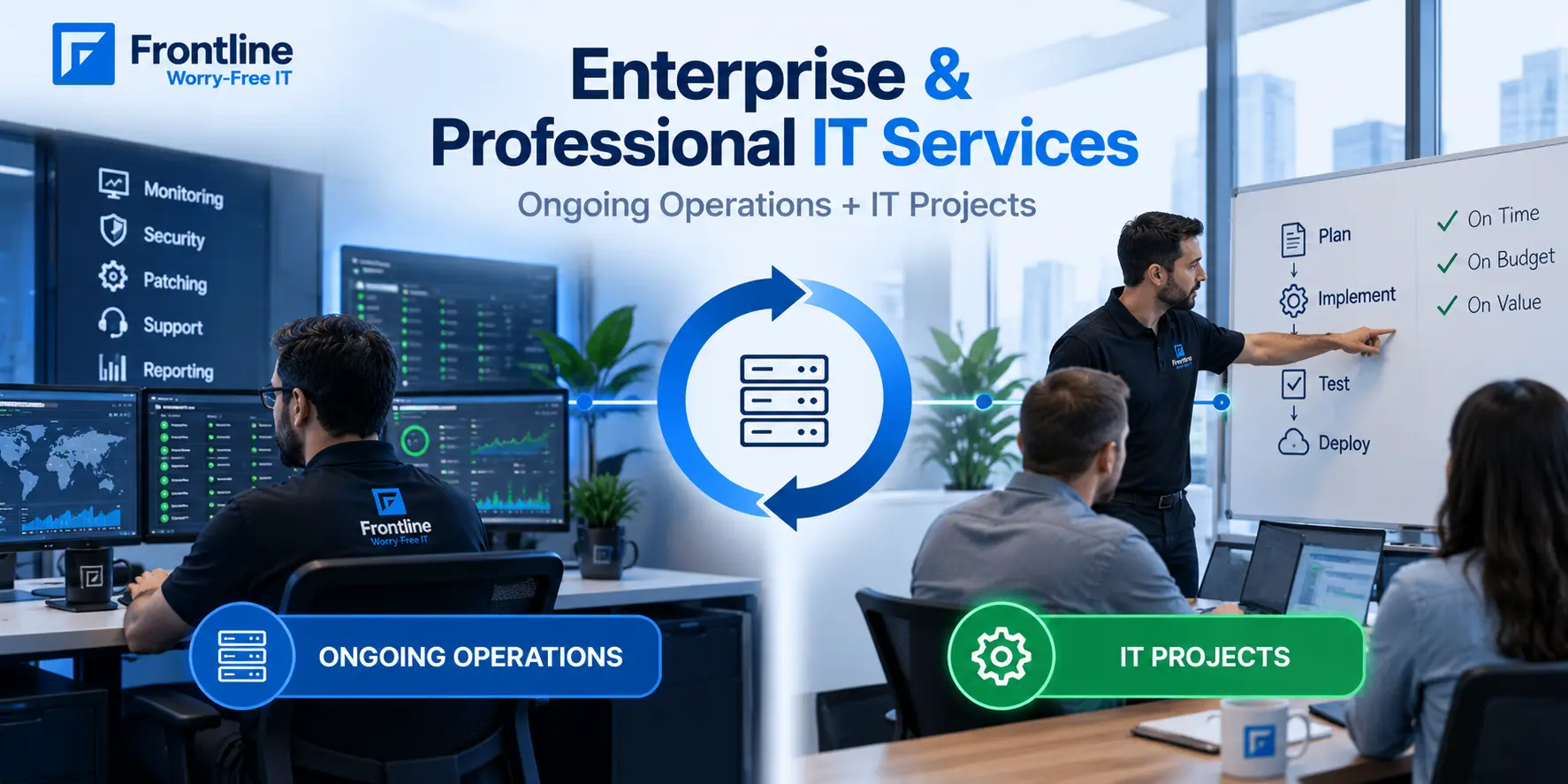
Enterprise and professional IT services are different things that often overlap in business projects. Professional IT services are usually project-based, while enterprise IT services focus on ongoing support and the operational needs behind those projects.
Buyers often get confused because providers sometimes use these terms interchangeably on their websites, even though they refer to different types of IT services.
So, in this article, we will separate them, explain what each service includes, and how to choose the right provider based on real numbers from the 71 projects in our own professional services history and the monitoring stack we run for Los Angeles businesses every day.
What Enterprise and Professional IT Services Are

Both get sold under the same “IT services” banner, both show up on the same provider websites, and both are usually delivered by the same account team. But they are different types of work.
Professional IT services are project work like a firewall replacement, a cloud migration, an office buildout, or a Microsoft 365 tenant hardening project. You can buy each as a project with a defined scope, a named lead, a timeline, a deadline, and a fixed price, under a statement of work. Frontline’s IT project services cover this type of scoped work.
Enterprise IT services cover the broader technology capabilities a business needs to operate, secure, support, and scale its IT environment, including monitoring alerts, patching endpoints, running the security operations function, and reviewing reports every month. You can pay for it as a subscription to keep everything running smoothly.
Enterprises often separate these responsibilities between an operations team and a projects team, because the skills, pricing, and accountability structure are different.
Mid-size companies often don’t have the budget to hire both teams. A practical solution is to work with one managed IT provider that can handle both ongoing IT support and project work, as long as they demonstrate expertise in both areas.
What Professional IT Services Actually Include
Our project system holds 71 projects. Twenty-nine of them opened in the last 12 months, 52 in the last two years, and 7 are open as I write this. More than 1,200 engineer-hours are logged against them, and every single one has a named project lead.

| Project Type | Count | What It Covers |
|---|---|---|
| Client onboardings | 22 | Full environment takeover: documentation, agent deployment, account and access standardization |
| Cloud, server, and storage migrations | 14 | Hypervisor migrations, cloud moves, storage replacements, server OS upgrades |
| Structured offboardings | 13 | Documentation export, access transfer, credential handover |
| Network, security, and voice infrastructure | 8 | Firewall and switch replacements, wireless refreshes, MDM rollouts, phone migrations |
| Mail and Microsoft 365 projects | 6 | Mail migrations to M365, tenant security hardening |
| Office buildouts | 3 | Cabling, network, wireless, workstations from bare walls |
Onboarding Should Be a Project
Onboarding should have a defined scope and timeline, not be something a provider figures out along the way.
Look for Structured Offboarding
A clear handoff process for systems, documentation, access, and credentials shows the provider has planned for the relationship to end properly.
Fully Managed, Co-Managed, and In-House: How to Choose

| Area | Fully Managed | Co-Managed | In-House |
|---|---|---|---|
| Ongoing operations | Provider handles monitoring, security, patching, and help desk | Provider fills specific gaps alongside your team | Your team handles everything |
| Project work | Provider scopes and delivers projects under SOWs | Provider handles projects your team lacks time or expertise for | Your team handles projects or hires contractors |
| Cost structure | Predictable monthly fee plus project fees | Provider fees plus internal payroll | Salaries, benefits, training, capital costs |
| Control level | Provider-led | Shared | Fully internal |
| Internal IT burden | Minimal | Reduced, with more focus on strategy | Full responsibility |
Before choosing an IT service model, consider how much control you need, how much work your internal team can handle, and how predictable you need your IT costs to be. If you already have an internal team, co-managed IT services can fill specific gaps.
What Enterprise-Grade IT Means for Smaller Companies
“Enterprise” in enterprise IT services isn’t really about company size. It’s about how IT is managed. Enterprise teams typically use continuous monitoring, device management, cybersecurity services, automated documentation, and regular reporting. Smaller companies need these things too, but often can’t afford to hire a full team.
With managed IT services, smaller companies can get access to the same type of tools and processes without building everything in-house. This can include device monitoring, security, patching, backup and disaster recovery, documentation, and ongoing IT support.
Our own data shows what this can look like. As of August 14, 2026, our dashboards showed 1,015 devices monitored through 2,869 sensors around the clock, with 916 endpoints managed for remote support and patching. Across 39 client environments, 683 systems were covered by automated documentation that recorded 14,887 configuration changes.
How a Real Project Runs
The professional IT projects that go well usually follow a clear process. Here’s how ours work.

It starts with a statement of work (SOW), not a handshake. In 2026, we’ve created more than 20 client SOWs covering server upgrades, domain controller modernization, network equipment replacements, firewall installations and upgrades, storage migrations, cloud moves, and a production studio buildout. Each SOW defines the scope, deliverables, timeline, fixed fee, and responsibilities.
Next comes a kickoff call with a named project lead. Every one of the 71 projects in our system has a named lead, followed by regular status updates throughout the project.
Real Project Examples
- A cleantech nonprofit moved aging VMware hosts to Hyper-V in a nine-week project delivered on schedule. Read our VMware to Hyper-V migration guide.
- A litigation consulting firm replaced an end-of-life Sophos firewall with a FortiGate.
- A multi-site industrial products company was onboarded in about six weeks, using 71 hours against a 140-hour estimate.
- An insurance agency migrated email to Microsoft 365 over several months, using 136 hours. See our Microsoft 365 migration services.
Estimates aren’t guarantees. What matters is that the estimate is documented, changes are visible, and a fixed-fee SOW clearly defines who takes on the risk of an overrun.
How to Buy Professional IT Services
If you are evaluating a provider for your IT project, the statement of work tells you most of what you need. Before signing a contract, ask the provider these three questions:
- How many projects like this have you completed, and can I see an anonymized example? A provider doing real professional services has a project system with history in it; we have 71 entries and counting.
- Who is my named lead, and what’s the status cadence?
- What happens to the documentation you produce during the project? The answer should be: it goes into your permanent documentation, which you can inspect.
One practical tip: when possible, use the same provider for both projects and ongoing IT support. A managed IT provider that will manage the system after the project is finished has more reason to build it properly from the start.
Choosing the Right Mix of Enterprise and Professional IT Services
The key is not choosing between enterprise IT services and professional IT services. Mid-size companies often need both: ongoing operations to keep their environment secure and reliable, plus project expertise when systems need to be migrated, replaced, or upgraded. The question is whether your provider can demonstrate a repeatable process for both.
Frontline handles 71 projects and counting, from server migrations to full office buildouts, alongside 24/7 operations for clients across Southern California.
Frequently Asked Questions
What are enterprise IT services?
+Enterprise IT services provide ongoing support and management for your business, including infrastructure management, technical support, network scaling, data security, monitoring alerts, and monthly reporting.
What are IT professional services?
+Professional IT services are project-based services delivered under a defined scope, such as migrations, office buildouts, security, and onboarding to new platforms.
What’s the difference between managed IT services and professional IT services?
+Managed IT services provide ongoing support, usually for a monthly fee. Professional IT services are one-time projects, such as migrations, upgrades, or new system setups.
Does a small business need enterprise IT services?
+A small business needs enterprise-level IT support without the cost of building a large IT team. A managed provider can handle patching, monitoring, security, documentation, and reporting.
What should an IT statement of work include?
+A clear and defined scope with explicit exclusions, the project start date, a clear deadline, a timeline with milestones, a named project lead, a fixed fee, and what happens at handoff.
Planning an IT Project or Looking for Ongoing Support?
Talk with Frontline about your environment, upcoming projects, and the right mix of ongoing and project-based IT services.
Book a 30-minute consultation