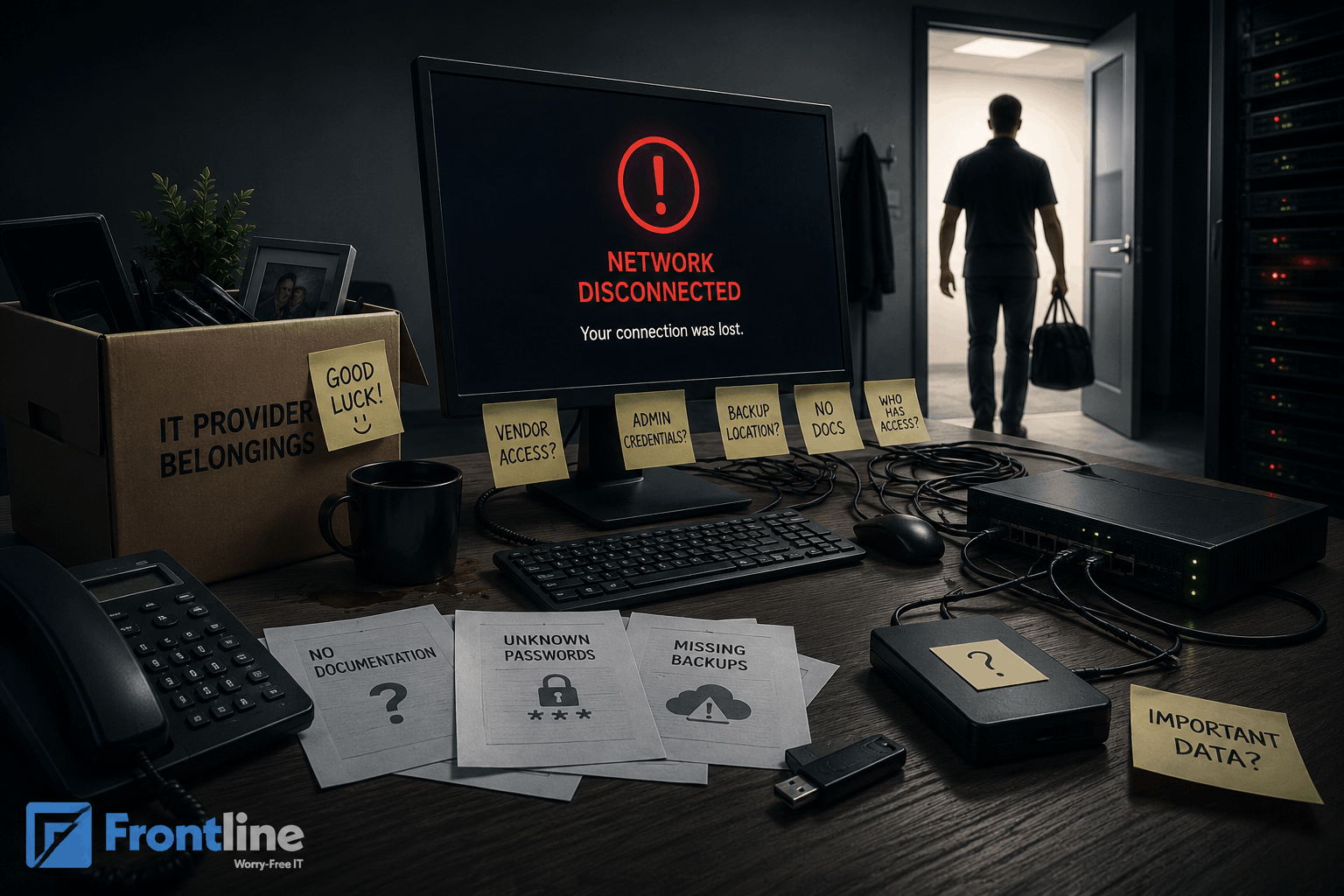
What happens to your data when your IT provider leaves? Your data doesn’t disappear, but your support does. Your emails keep running, your files are there, but the security and monitoring that keep everything safe are gone.
Without a reliable IT provider, you could face an unexpected incident overnight, putting your operations at risk.
Staff leaving is a normal part when running a business. With proper strategy and a clear offboarding process, you can save critical data without business disruptions.
This blog breaks down exactly what’s at risk, what happens at each stage of the transition, and what you need to do to protect your data.
What Does Your IT Provider Actually Have Access To
Your managed IT services provider doesn’t just fix your computer. They control your entire digital infrastructure, including:
- All business email systems
- User accounts and passwords
- Cloud solutions and services
- Data storage
- Company files
- Cybersecurity tools
- Network infrastructure
- Domain and DNS setting
- Backup and disaster recovery systems
- Business-critical applications
So, simply said, they have access to everything, which requires a high level of trust, transparency, and accountability.
That’s why if proper safeguards are not in place, you put your business at a significant risk after this relationship ends.
What Happens to Your Data When Your IT Provider Leaves: The Stages
As IT providers manage all the critical operations in your business, their leaving has a significant impact on business operations.
The transition isn’t a single event. It includes crucial stages, each presenting its unique risks and challenges. Understanding these stages can help you protect your business from major disruptions and identify vulnerabilities before they become problems.
The typical stages and what you can do to minimize interruptions include:
1. The moment it happens (24 hours)
At this point, the focus shifted from daily IT support to transferring knowledge, documentation, credentials, and system ownership.
For cloud services like Google Workspace and Microsoft 365, the support continues to run because they are hosted by the software vendor, not your IT provider. What stops immediately is your monitoring, maintenance, and proactive IT support services, which keep everything running smoothly.
Potential risks here include:
- No support for passwords resets
- Software issues
- Delays to planned projects
- Service interruptions
- System downtime
What you can immediately do:
- Confirm critical systems are still working, like email, phones, and business applications
- Check which accounts you have direct access to
- Notify staff to set realistic expectations
- Do not make big changes as you are at a vulnerable phase, and small unplanned changes can become bigger issues
2. The first 72 hours
After the most critical hours, the next phase is where you need to focus on stabilization. You need to regain control of your critical systems and prevent issues from escalating.
Potential risks in this phase include:
- Service outages
- Security exposure
- Missing documentation
- Lack of cybersecurity monitoring of threats or alerts
- Unmanaged administrator accounts
What you can do here:
- Confirm you can log in to Microsoft 365 or Google Workspace independently
- Confirm you are your own domain administrator
- Check if you can access the firewall without your old provider
- Check if the backups are still running
- Check who has access to VPN and remote tools
- Change passwords on any account your old provider had access to
- Download any documentation you have
3. The transition period (30 days)
This is the most complex and security-sensitive phase. This is the stage where you need to systematically take full control of your IT environment while stabilizing day-to-day operations.
Possible risks include:
- Incomplete control of the domain, DNS, or hosting accounts
- Unauthorized access is still active from the previous IT provider
- Back-up systems are partially controlled externally
- Service disruptions due to ongoing changes
- Troubles with license managing
- Security gaps with the new implementation
What you can do:
- Request all documentation from your old IT provider in writing. This includes license keys, network diagrams, credentials, system configurations, and more.
- Conduct a full audit of your systems, users, and accounts
- Take ownership of all domains, DNS records, and cloud services
- Verify that backups are fully accessible
- Enable multi layered security solution, like multi-factor authentication (MFA), across all systems
- Remove all access permissions belonging to the former IT provider
- Stabilize email, file sharing, and core business applications
- Establish internal ownership roles for IT systems and access control
4. The 30 Days After
This is the post-transition period where you need long-term support and operational stability.
Possible risks you may face here are:
- Access from the previous IT provider
- Incomplete documentation
- Weal security policies
- Ongoing operational insufficiencies
- Delayed detection of hidden issues
- Lack of clear ownership
- Compliance issues
What you can do in this stage includes:
- Ensure consistent security policies across all systems
- Review system performance logs to identify hidden failures
- Implement continuous monitoring
- Establish a routine maintenance
- Perform a full disaster recovery and backup restoration test
- Validate compliance requirements against industry standards and internal policies
- Assign clear internal ownership for each system
The Data Your IT Provider May Still Hold After Leaving
IT providers typically operate across multiple systems, including cloud platforms, security tools, and administrative accounts. So, after an IT employee leaves, data can remain in their environment unless it is actively identified or securely removed.
This includes:
- Cloud backups and restored images
- Email archives or historical data, especially if they are managed by Microsoft 365 or Google Workspace
- Administrative credentials
- Network configuration files like VPN, firewall rules, etc
- Support tickets
- Internal documentation
- Third-party vendor accounts
- Configuration snapshots of servers, databases, or virtual machines
This is important to know, as it can lead to issues such as data exposure, compliance violations, or dependence on your previous IT provider during recovery scenarios.
What should you do as a business owner?
- Confirm full ownership of all cloud platforms and backups
- Review contracts for data retention
- Change all passwords across systems
- Audit your systems for any leftovers
- Monitor your systems to identify missed gaps
- Request data deletion
Your IT provider should never hold any copies of your business data after the relationship ends. That’s why clear onboarding processes, proper documentation, and verified access removal are essential for your organization to have full control of its digital assets.
Red Flags That Your Old IT Provider Still Has Access
You completed a proper transition. Everything went smooth. All access might have been removed, all systems transferred, and full control returned to your organization.
However, in many cases, businesses later discover that former IT providers still retain partial, indirect, or hidden access to critical systems.
The sooner you recognize these warning signs, the faster you can secure your infrastructure.
Common red flags to watch include:
- Sign-in alerts
- Active sessions from unfamiliar devices
- RMM software is still appearing in your endpoint console
- Support tickets are being resolved without your team initiating them
- DNS or domain changes you did not authorize
How to Choose Your Next IT Provider
Before choosing your next IT provider, you need to:
Stabilize Your Systems
Don’t rush things. Stabilize your current systems first, then plan your next move. Make sure you have everything documented: existing systems, ownerships, data location, and suppliers involved.
Make a List
Before choosing the right IT provider, conduct research and identify possible MSPs (Managed Service Providers). Analyze their expertise, experience with SME transitions, and business growth. Create a list with providers that provide a proactive, tailored approach to your business’s unique needs.
Assess Them
Common questions to ask every provider include:
- How do you handle onboarding from a previous IT provider or MSP?
- What is your process for ensuring full access transfer and system ownership?
- Will we have full visibility and admin access to all systems you manage?
- How do you document our IT environment?
- How do you manage security during the transition period to prevent gaps or exposure?
- What happens if we decide to switch providers in the future? How is offboarding handled?
- What is your incident response process during the onboarding phase?
- How do you ensure ongoing transparency in system changes and administrative actions?
Confirm Ownership
Before committing to a new IT provider, it is essential to confirm exactly who owns what within your IT environment. Ownership is one of the most overlooked areas during onboarding, yet it directly impacts your security, control, and ability to switch providers in the future.
How to Protect Your Business from Future IT Provider Failures
The goal is not to be scared of every future provider you choose. Instead, you need to create a proactive plan to strengthen your business continuity and ensure that future transitions are smooth, secure, and free of disruptions.
The basic steps to consider are:
- Sign clear contract terms. Make sure the contract describes who owns the systems.
- Keep a copy of critical credentials like passwords and update if changed are made.
- Ensure your Microsoft 365 or Google Workspace subscription is registered under your company’s name.
- At least once a year, verify where your backups are stored, review data retention periods, and ensure your organization can restore data independently if the provider becomes unavailable.
- Create an exit plan that outlines steps to take if your IT provider leaves, as well as additional measures to minimize disruptions to operations.
Frontline’s IT support services ensure your business stays productive, protected, and scalable. If you want to avoid disruption and take full control of your IT environment, now is the time to implement a proactive protection and continuity plan.
FAQs
What happens to my data if my IT provider leaves?
Your data doesn’t disappear. Cloud services keep running, but what stops immediately is the support, maintenance, and monitoring that keep everything secure.
Will my email stop working if my IT provider leaves?
In most cases, no. If you use Microsoft 365 or Google Workspace, your email runs on their infrastructure. It continues as long as the subscription is paid.
Can my IT provider access my systems after our contract ends?
Yes, unless you revoked their access. Digital credentials don’t expire when a contract does. RMM agents, admin roles, API tokens, and VPN credentials all remain active until someone explicitly removes them.
How quickly can I transition to a new IT provider?
Transitioning to a new IT provider typically takes 30 to 90 days. This timeline allows you to stabilize your systems, create a plan for your next IT provider, and find the right one to avoid business disruptions.
Should I change all passwords if my IT employee leaves?
Yes, prioritize changing all critical administrative access and passwords as an immediate first step. This helps prevent your data from being exposed and ensures that any credentials previously held by your old provider can no longer be used to access your systems.
FT
About the author