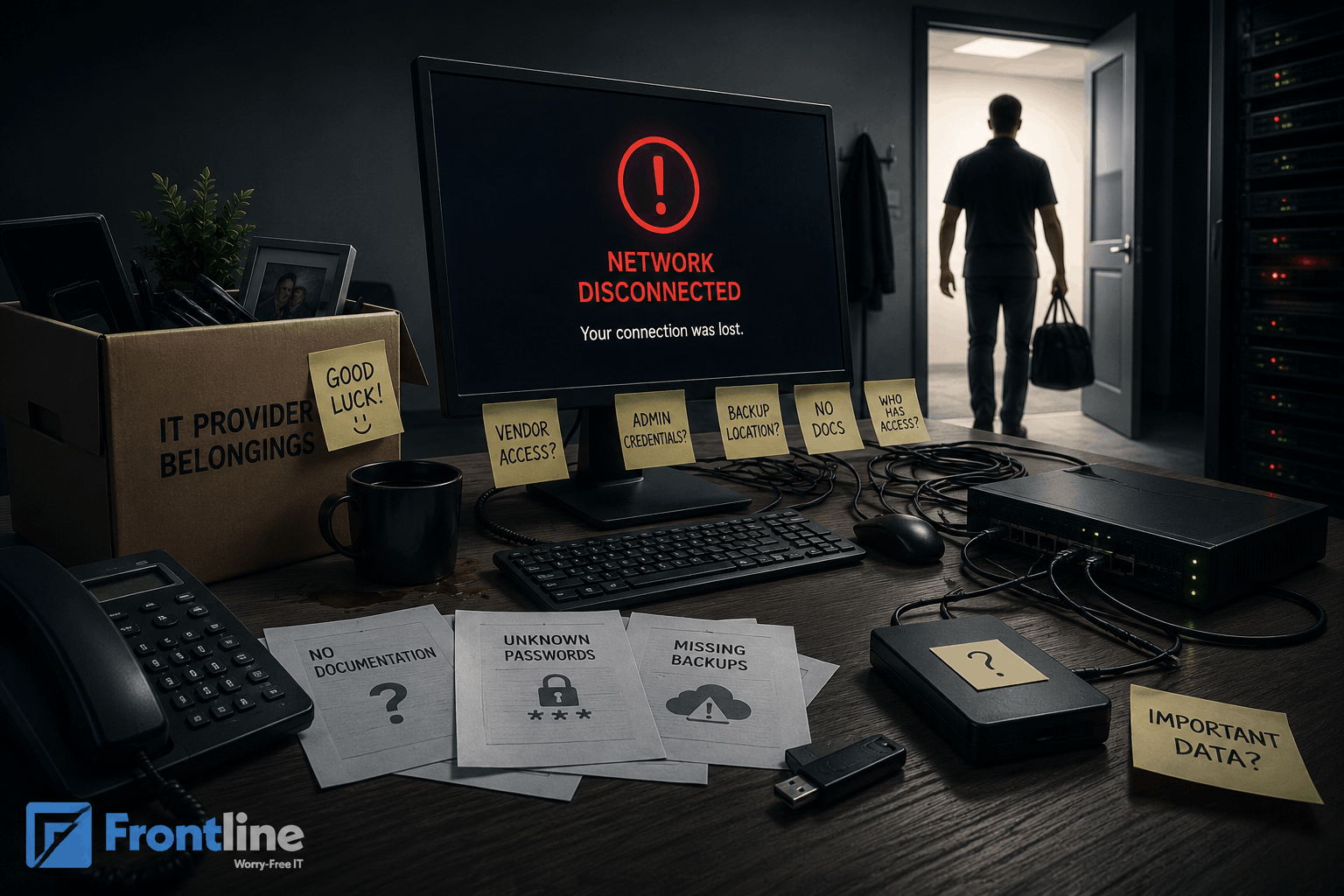

An IT disaster recovery plan isn’t just a technical document. It’s your safety net when things go wrong. From unexpected cyberattacks and system outages to natural disasters and simple human mistakes, disruptions can happen at any time. When they do, they can cause disruptions and cause serious downtime.
That’s why a strong recovery plan should be part of your everyday risk management strategy. It should clearly outline how your data is backed up, how systems will be restored, and how your most critical information will be protected.
Disasters that disrupt service can occur at any time without warning, and they may be expensive and could have a lasting impact on your business. Therefore, this article will guide you on how to successfully develop an IT recovery plan for your business.
What is an IT Disaster Recovery Plan?
A disaster recovery plan (DRP) is a documented plan that helps a business keep running after an IT incident, whether it’s caused by a cyberattack or an accident.
A well-developed DR plan should include detailed recovery strategies to ensure that critical IT systems and information systems can be restored efficiently, minimizing downtime and data loss.
A comprehensive DRP needs to include any kind of disaster that may affect a business, covering:
- Natural events such as hurricanes, earthquakes, and lightning strikes.
- Common computer support issues and failures of the IT infrastructure, such as power damage and drive failures.
- Malicious attacks such as malware, data leakage, or corruption.
- Damages resulting from human mistakes, such as forgetting passwords and accidental deletion.
When creating an IT disaster recovery plan, a business must set it up to enable a quick response to a disaster. It must outline the immediate key actions and steps to minimize the damage and facilitate a rapid resumption of business processes.
Why is an IT DRP important?
The organization’s ability to restore data and resume normal operations is critical for business continuity.
Here are some benefits of having a well-structured and robust DR plan:
- Reduced Downtime: A well-structured disaster recovery strategy shortens the time required to identify, assess, and respond to unexpected incidents. Accelerating recovery efforts minimizes disruptions and ensures critical business functions continue operating with minimal impact.
- Data Protection: A well-designed recovery plan safeguards the sensitive data businesses handle every day by ensuring secure backups, rapid restoration, and protection against loss, corruption, or unauthorized access.
- Lower Costs: When an unexpected incident happens, it can costs milions. With a proper plan and strategy, these costs can be reduced. The operations can run smoothly with minimal disruptions.
- Regulatory Compliance: By implementing a DRP, your organization meets regulatory standards and requirements, thereby increasing customer trust.
Types of IT disasters
IT disasters can arise from various sources, each presenting unique challenges and requiring specific response strategies. Understanding these types of disasters is crucial for developing an effective recovery plan that ensures business continuity.
| Type | Description | Impact |
|---|---|---|
| Natural Disasters | Events such as hurricanes, earthquakes, floods, tornadoes, and lightning strikes. | Can cause physical damage to IT infrastructure, disrupt power supplies, and render primary locations inaccessible. |
| Hardware Failure | Malfunction or breakdown of physical components such as servers, storage devices, network equipment, or power supplies. | Can result in data loss or corruption if not properly backed up. |
| Cybersecurity Incidents | Cyberattacks like ransomware, malware infections, data breaches, and denial-of-service attacks. | Can compromise or destroy critical data and disrupt IT systems, causing operational and reputational damage. |
| Human Error | Accidental deletion of data, misconfiguration of systems, or improper handling of sensitive information. | Unintentional mistakes leading to data loss and service interruptions. |
| Power Outages and Utility Failures | Unexpected power outages or utility failures that halt IT operations. | Can cause data loss or hardware damage. |
| Software Failures | Application crashes, system bugs, or faulty updates disrupting business processes. | Can lead to data inconsistencies or loss. |
By identifying these various types of IT disasters and incorporating tailored response strategies into your disaster recovery plan, your organization can minimize downtime, protect critical functions, and ensure a rapid recovery from these disruptive events.
How to Build a Successful IT Disaster Recovery Plan

When an IT disaster strikes, the first course of action is critical – get the systems back online as soon as possible.
To build an effective IT disaster recovery plan, organizations should follow a simple strategy for backup and disaster recovery that prioritizes critical systems and aligns recovery efforts with overall business needs.
Follow these six steps to build an effective disaster recovery solution for your business.
Step 1: Evaluate Business Disruption Risks
Begin with each threat your business might face and carefully provide a thorough assessment. Business impact analysis shows how a potential threat can affect crucial operations, including daily operations, workflows, communication with teams and clients, and workplace safety.
Common potential disruption risks include loss of revenue, reputational damage, cost of IT downtime, loss of customers, compliance issues, and more.
Step 2: Conduct Risk Assessment
To understand which operations you need to prioritize, you should conduct a risk assessment and identify potential vulnerabilities in your IT infrastructure. Every industry faces different threats and risks. Therefore, identify each risk separately and analyze the chance and potential impact.
This can help you allocate your resources effectively and cover all critical areas.
Step 3: Build a Recovery Team
Every organization should have clear and dedicated teams, including internal employees and external consultants, to manage a disaster and initiate recovery. The DRP must assign the team members responsibilities and detail pre-approved budgets and resources for recovery services and tools.
Recovery teams include:
- Disaster Recovery Team: Dedicated experts with clearly defined roles and responsibilities to manage recovery efforts efficiently.
- Service Providers: They should cover all expertise areas to support every aspect of your IT and disaster recovery needs.
- Technical Lead: This individual is responsible for overseeing the technical aspects of the disaster recovery process. They coordinate the efforts of IT staff, manage the restoration of hardware and software systems, and ensure that recovery procedures are executed according to the plan.
- Communications Manager: Effective communication during a disaster is essential to minimize confusion and maintain trust. The communications manager handles all internal and external communications, including notifying employees, customers, partners, and regulatory bodies as appropriate.
- Third-Party Relationship: This role involves managing relationships with third-party service providers who offer recovery services, cloud solutions, or specialized assistance.
By clearly defining these roles and responsibilities within the disaster recovery team, organizations can ensure a coordinated, efficient, and effective incident response.
Step 4: Create Asset Inventory
Creating a comprehensive asset inventory is a crucial step in developing an effective IT disaster recovery plan. This inventory should include detailed documentation of all hardware, software, network resources, and critical data across your IT environment. It serves as a foundational blueprint that maps out your entire system network, including configurations and dependencies, which supports quick restoration and recovery processes.
Maintaining an up-to-date asset inventory enables your organization to identify and isolate compromised or corrupted components faster during a disaster.
Step 5: Test and Implement a Data Recovery Technique
At first glance, it may seem impossible or even too expensive to create a backup and IT disaster recovery plan for SMBs. Following the 3-2-1 rule – keeping three copies of your data, on two different media types, with one copy off-site, along with frequent backups- helps minimize the risk of data loss and ensures you can restore data quickly during disasters or cyberattacks.
If you are not sure, consider outsourcing the recovery process to a specialist company that will understand your recovery needs better.
Regular testing, simulations, and updates to your IT disaster recovery plan are critical. Conducting frequent drills and simulations validates RTO/RPO metrics and identifies inconsistencies.
Testing and training exercises help validate the effectiveness of the disaster recovery plan and ensure that the employees are prepared. Organizations must update their disaster recovery plans regularly to address evolving threats and business needs, treating the IT disaster recovery plan as a continuous discipline rather than an annual exercise.
Step 6: Document the IT Disaster Recovery Procedure
A robust DRP not only identifies potential threats and incident criteria but also provides detailed instructions on how each scenario can be mitigated and how recovery should be initiated.
An all-inclusive checklist pinpoints potential disasters and outlines the objectives of the recovery. The already established STO and SPO standards will guide the recovery team to monitor the automated or implement a manual IT recovery process. Thus, the efficiency of the recovery may depend on the clarity of the disaster recovery procedure document.
The Better Way to Be Prepared for IT Disasters
The idea behind IT disaster recovery is to anticipate threats and be ready when they arise. The most damaging threats are those that we cannot predict. However, with a little help, your business could be prepared to pick up and continue operations in case of a cyberattack or accidental outage.
Frontline’s managed cybersecurity services include threat monitoring, endpoint protection, and backup/disaster recovery support to strengthen both your response readiness and day-to-day resilience.
If your business operates in Los Angeles, talk to Frontline IT support services today to get expert advice on fortifying your business against disasters.
FT
About the author